Measure your prospects' interest in real-time. Identify active decision-makers and the most-read sections to follow up at the perfect time with the right arguments.
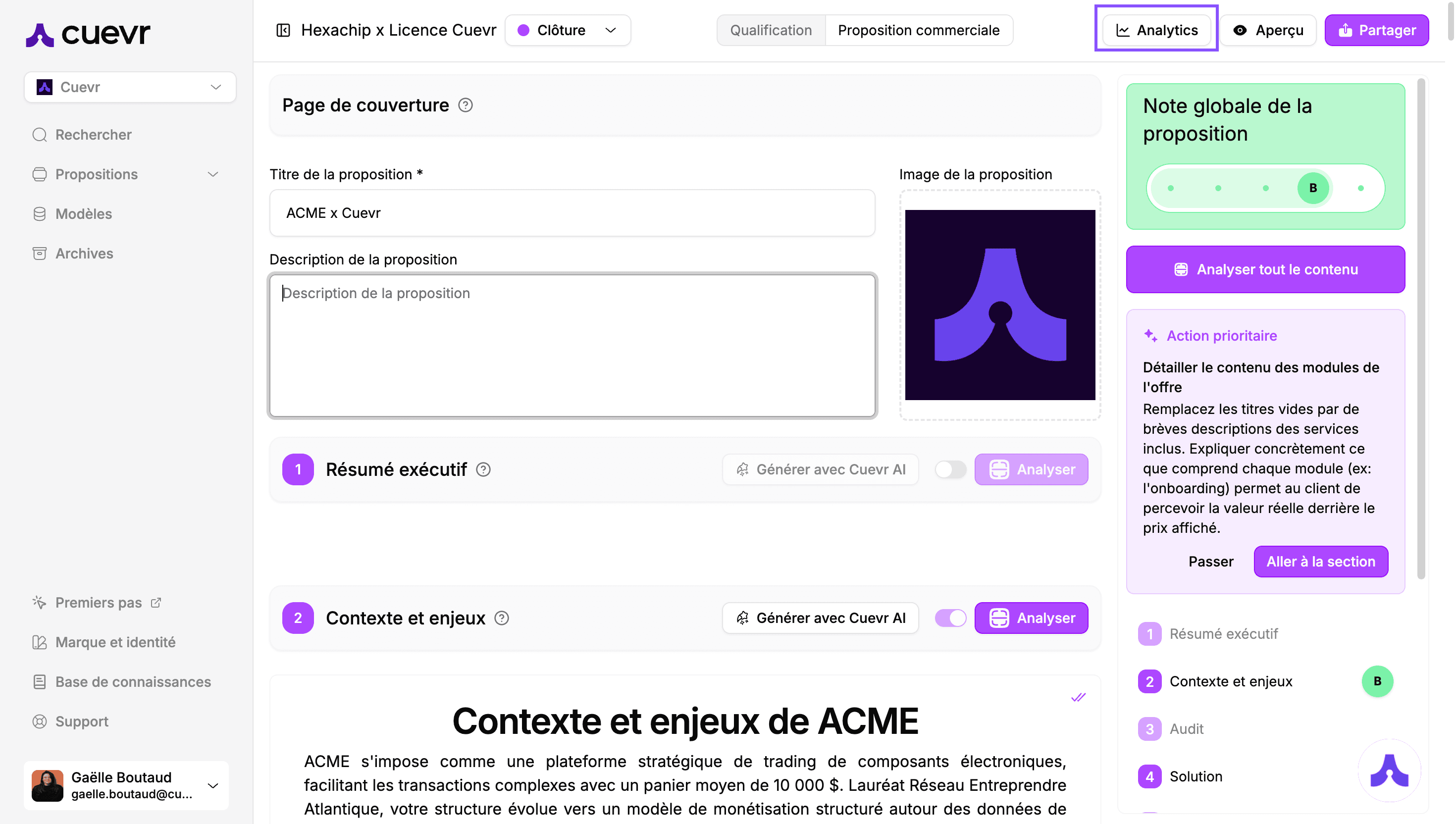
Click the "Analytics" button at the top left to access this section.
1. View Status and Engagement Score
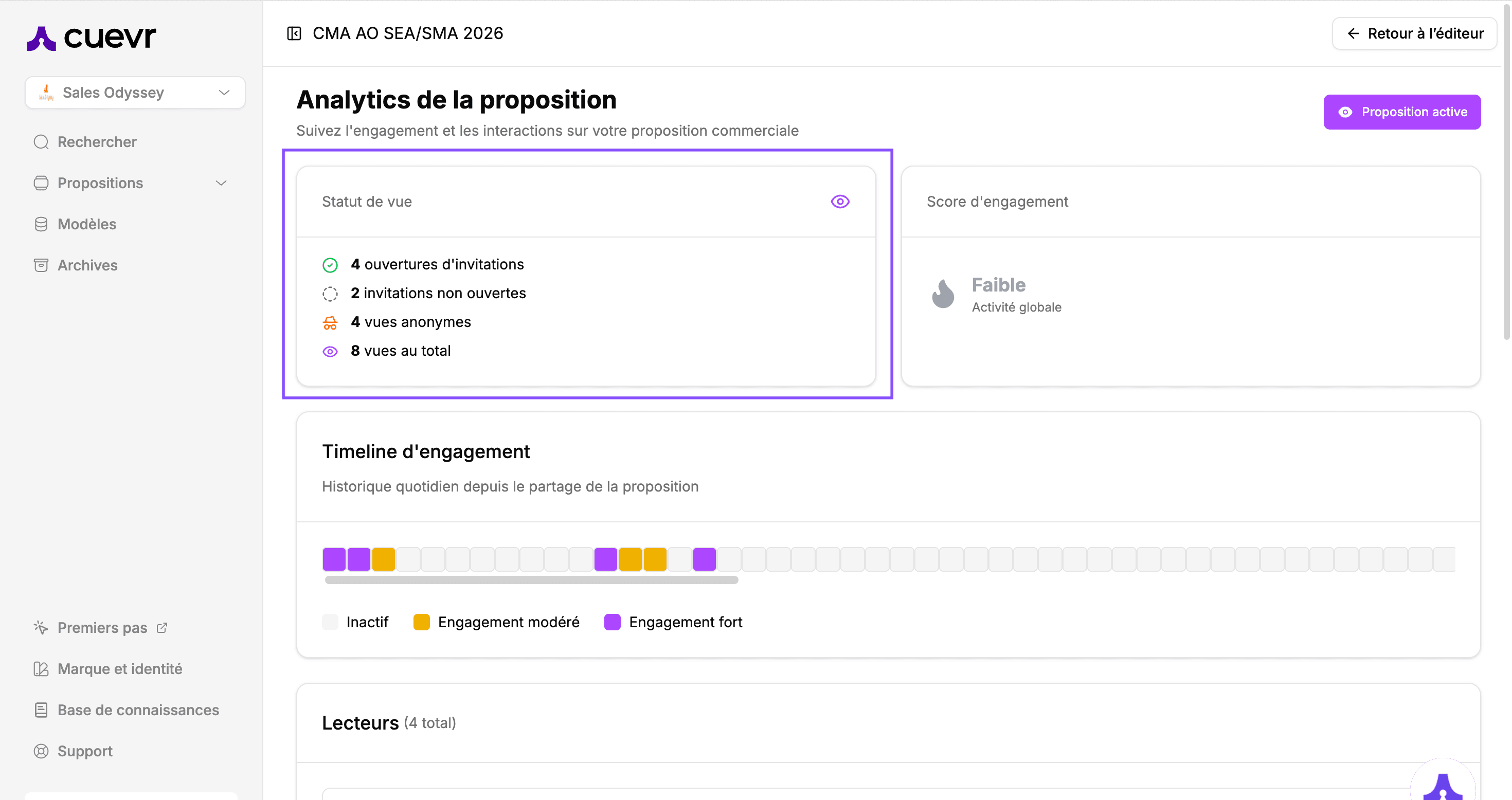
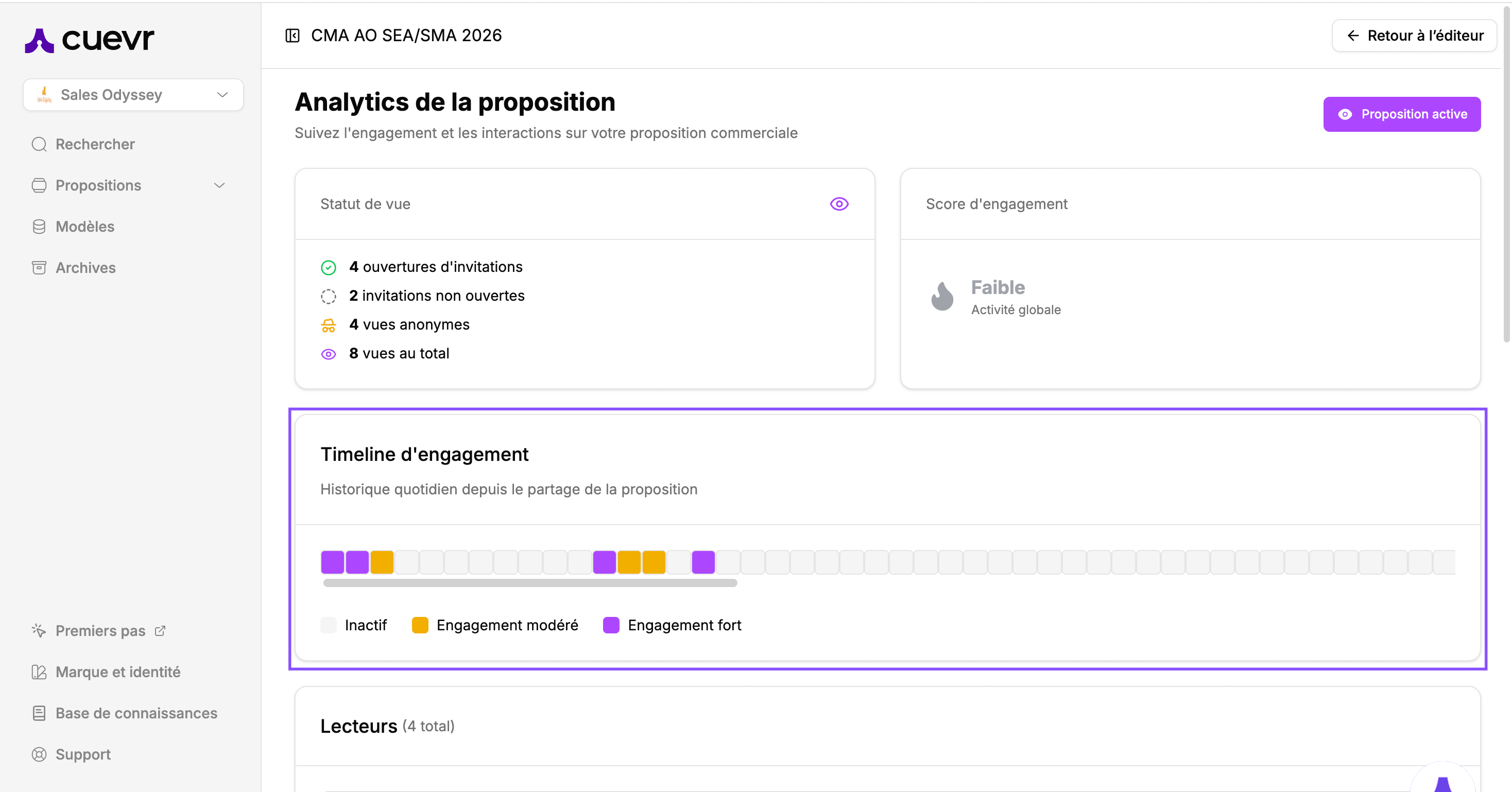
Get a high-level "temperature check" of your deal right at the top of the page:
- View Status: Track invitation opens and total view counts.
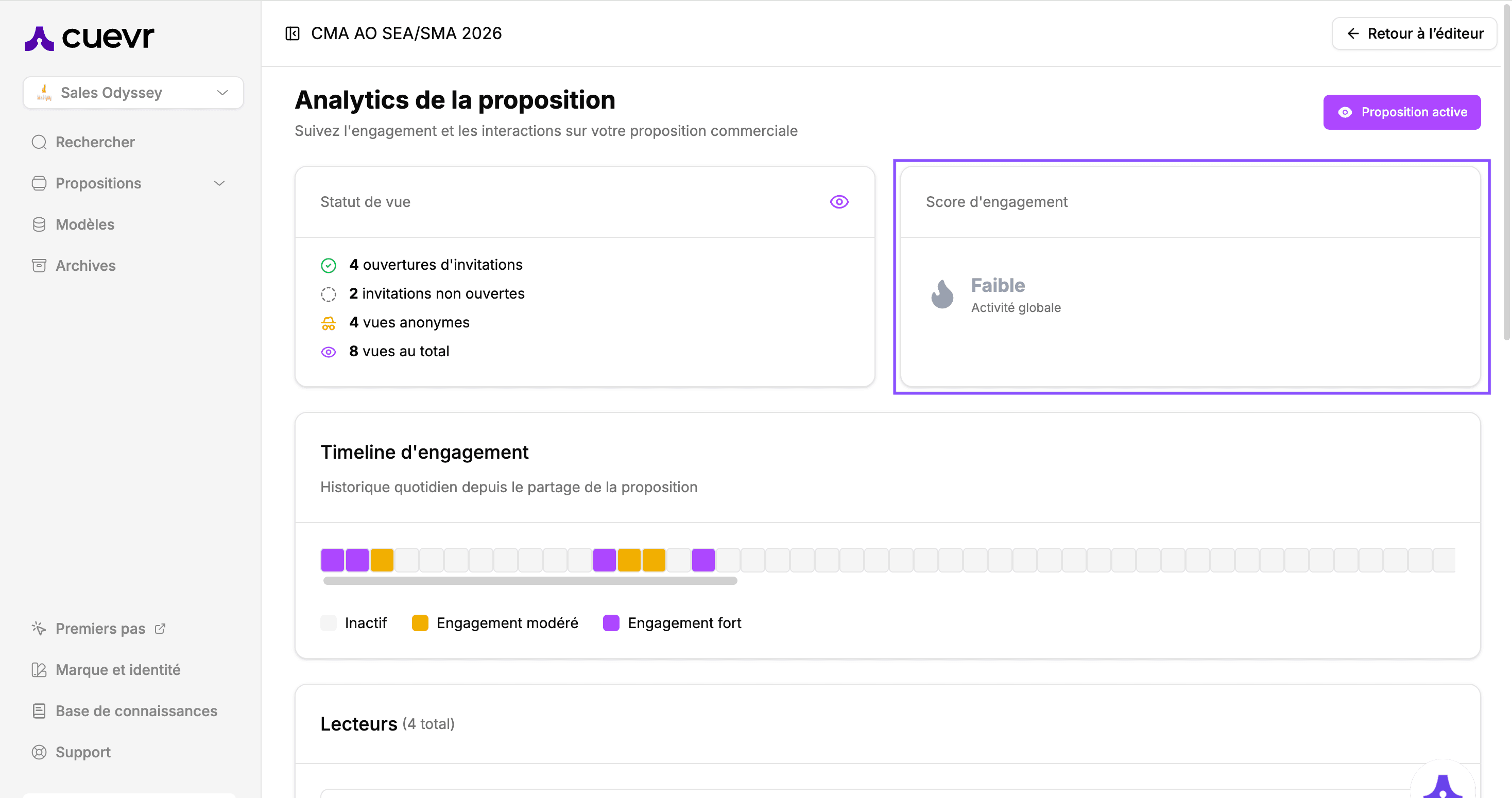
Engagement Score : A flame icon shows you the real-time level of global interaction with your proposal.
2. Global Activity and Timeline
Analyze the momentum of your proposal over time:
- Engagement Timeline: A daily history to detect engagement peaks since the initial share.
- Engagement Levels: Visually identify the different phases of your deal:Inactive: No views during this period.Moderate Engagement: Standard reading of your offer.High Engagement: Intense activity (repeated reads, long time spent) — the ideal signal for a follow-up.
3. Detailed Reader Analysis
Scroll down to the "Readers" list to understand the involvement of each decision-maker:
- Contact Summary: Total time spent, number of sessions (visits), and shares made.
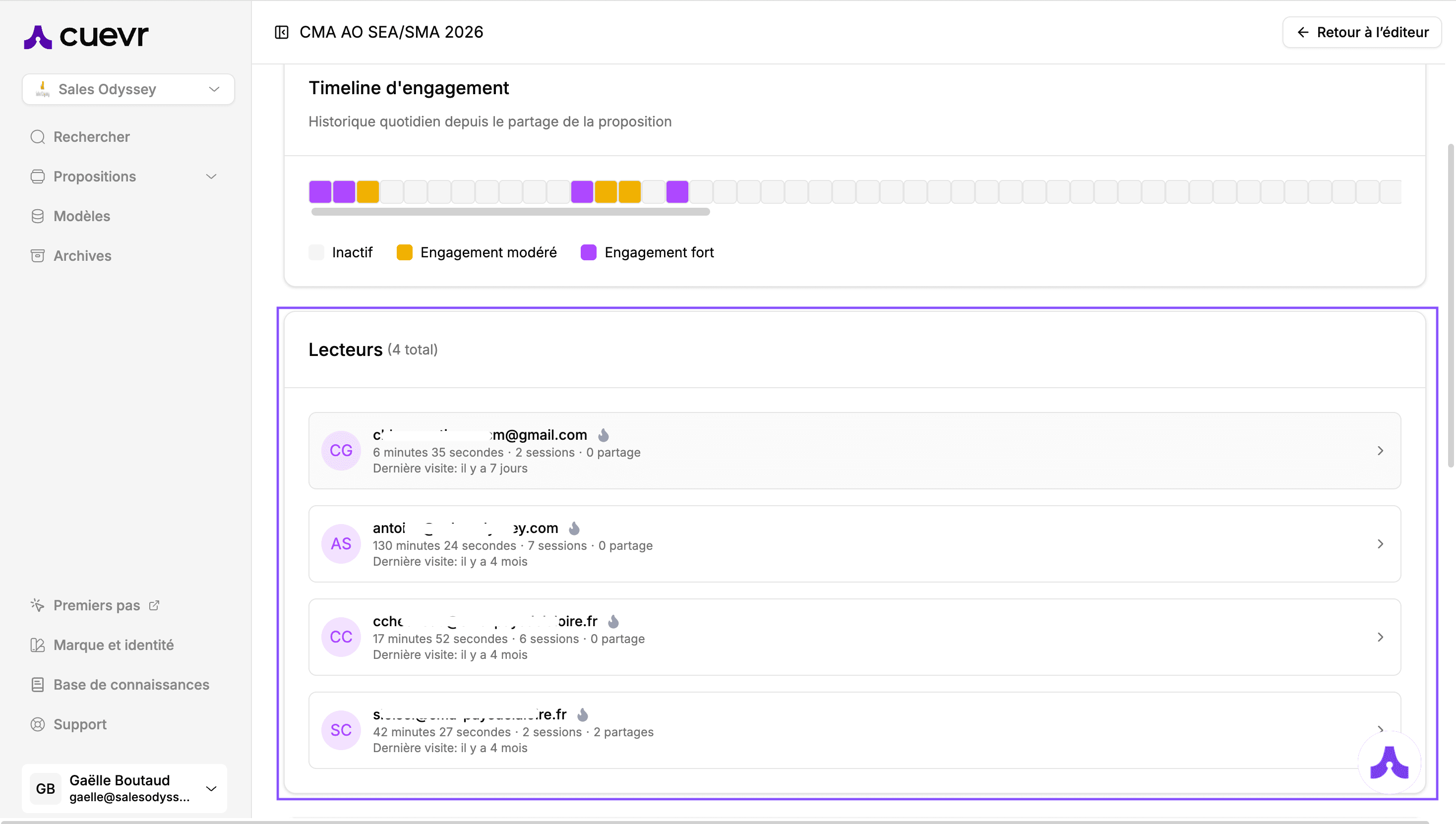
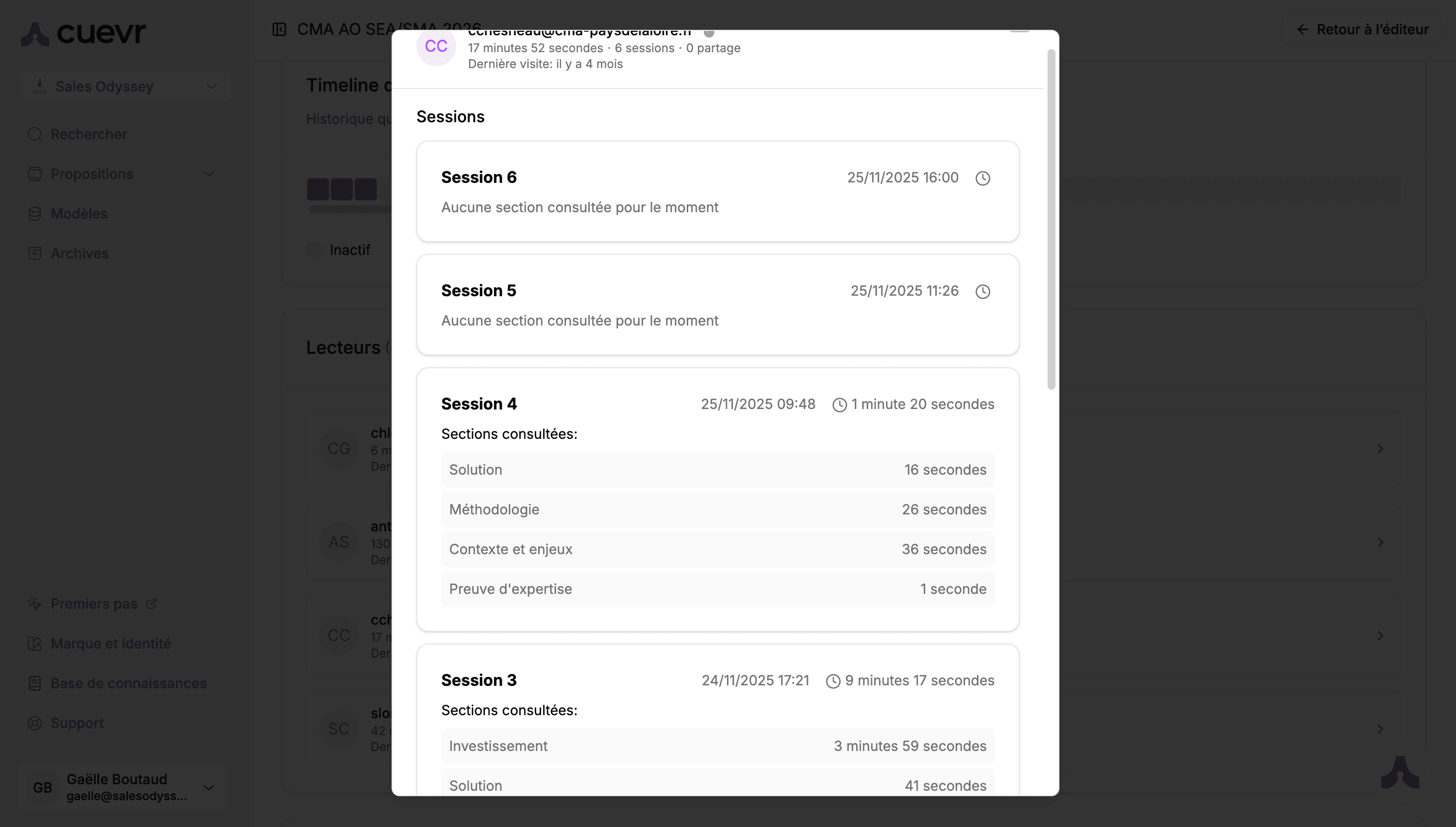
Reader Zoom (Individual Journey): Click on a reader to expand their visits one by one. For each session, access surgical-level detail: time of visit, sequence of sections viewed, and time spent on each.
4. Section Analytics
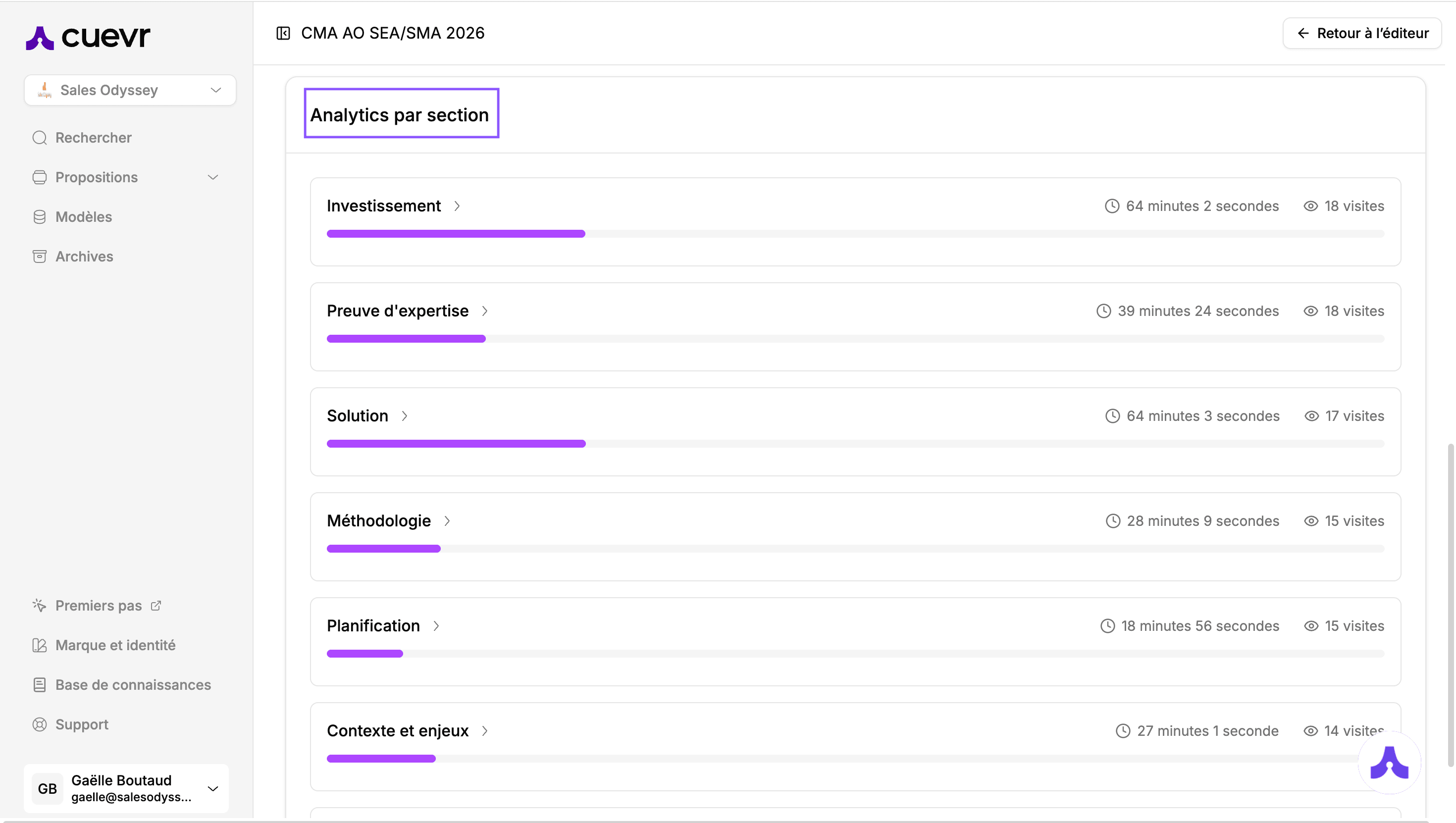
Finally, at the bottom of the page, visualize your content performance by section:
- Cumulative Time and Visits: See which parts of your offer attract the most attention overall.